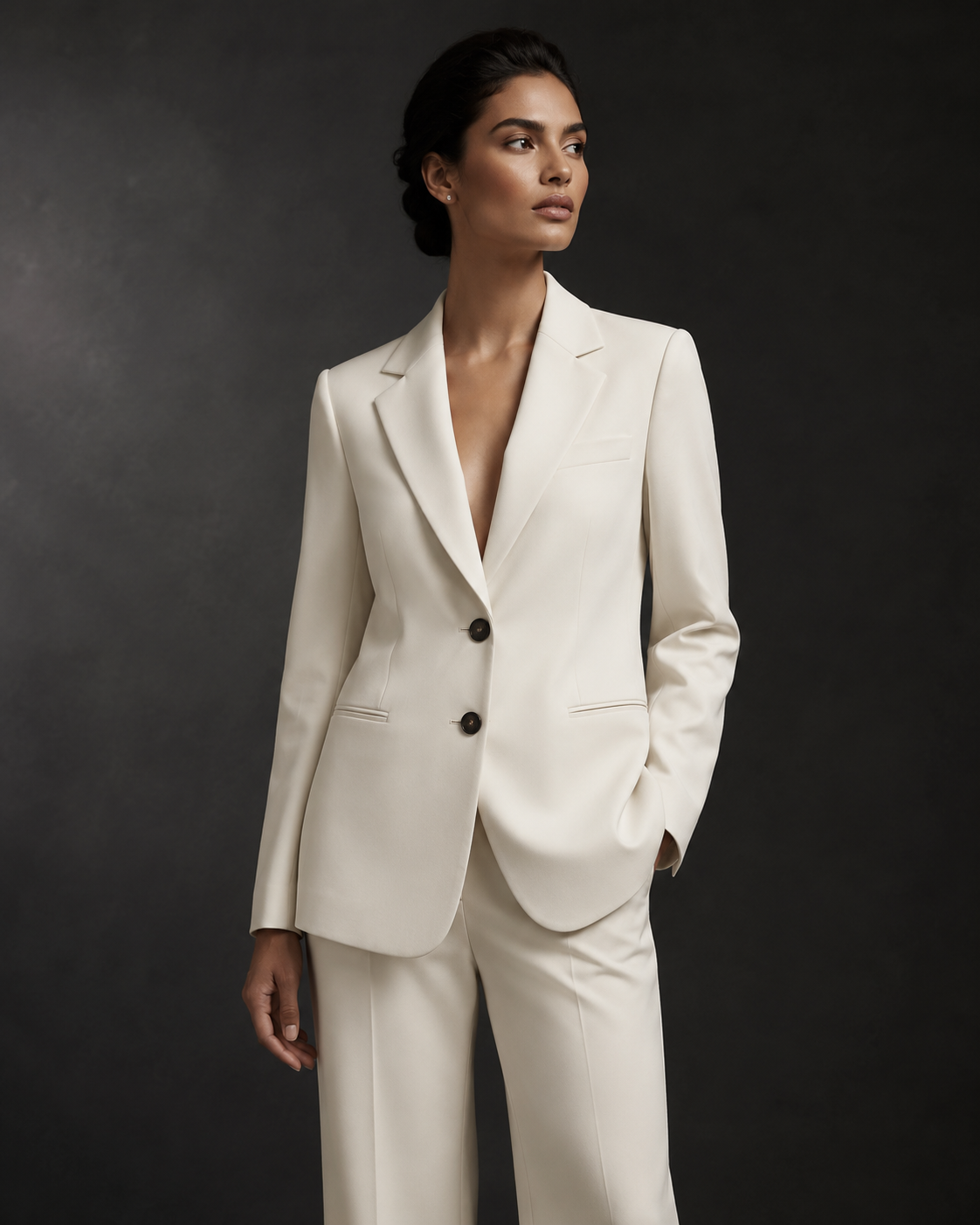
AI Studio System
One product. Every channel. Ready to sell.
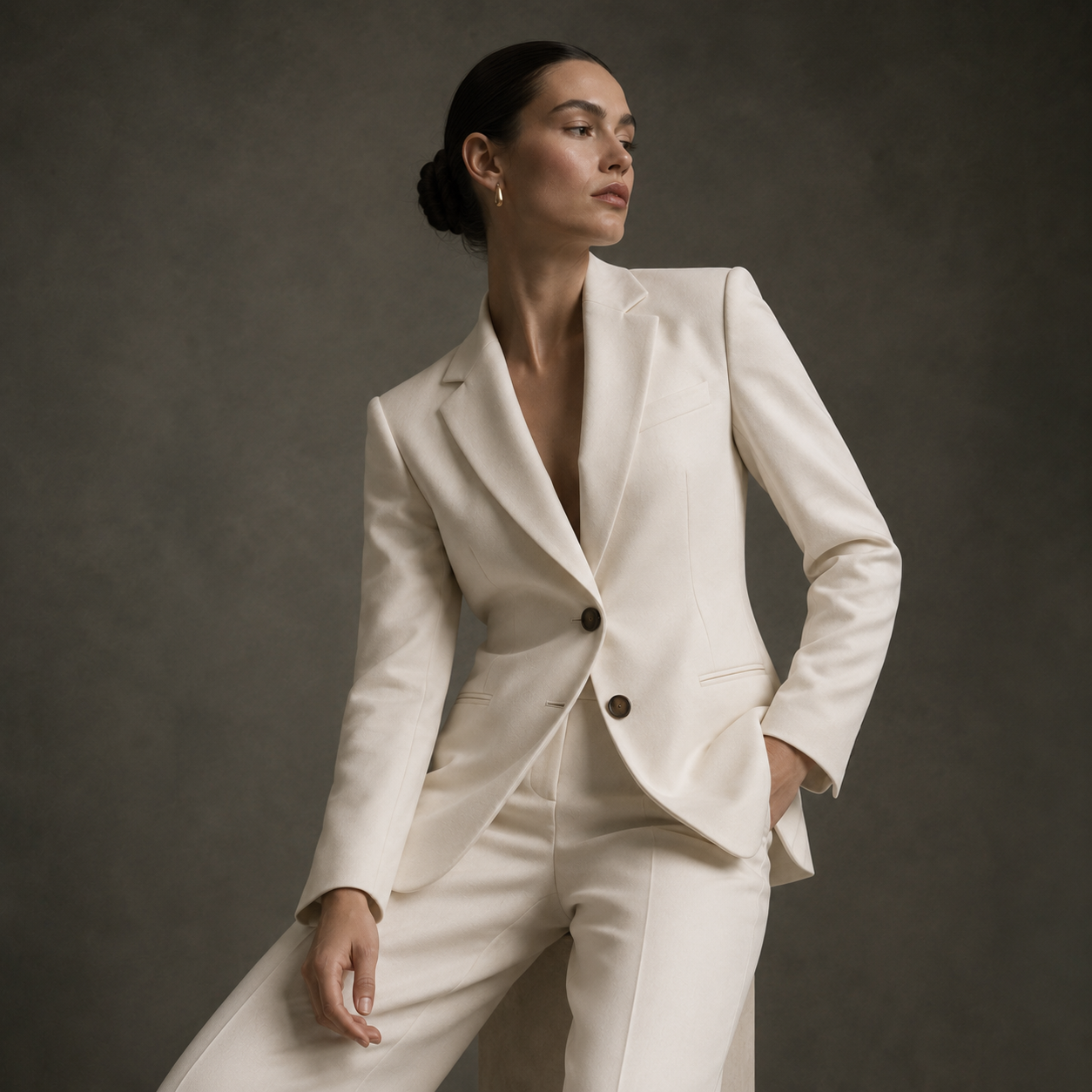
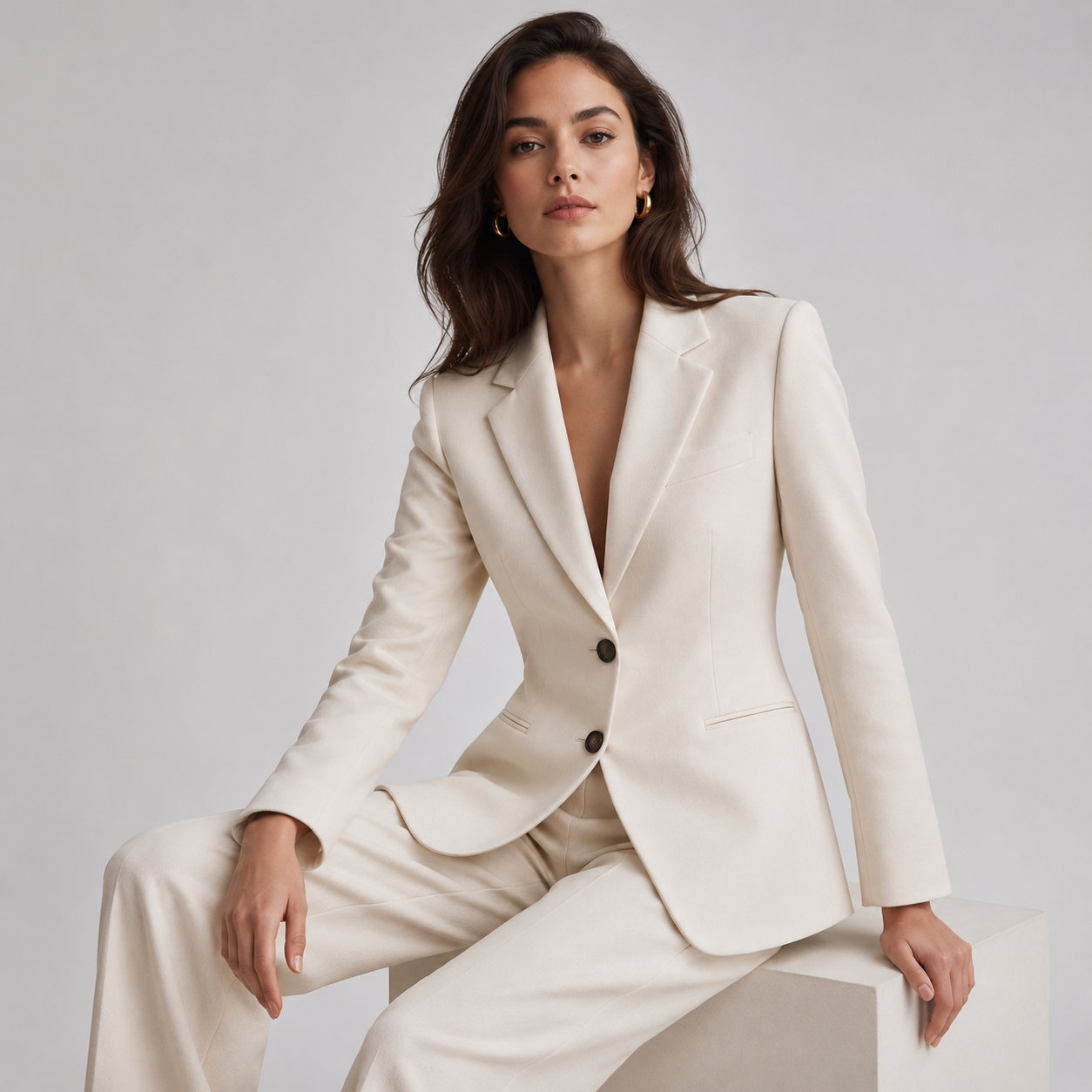
Create human-model, faceless-mannequin and product-only cutout visuals for your e-commerce site, marketplaces and social media in minutes.
0%Time Saved
0K+Daily Output
0+AI Models
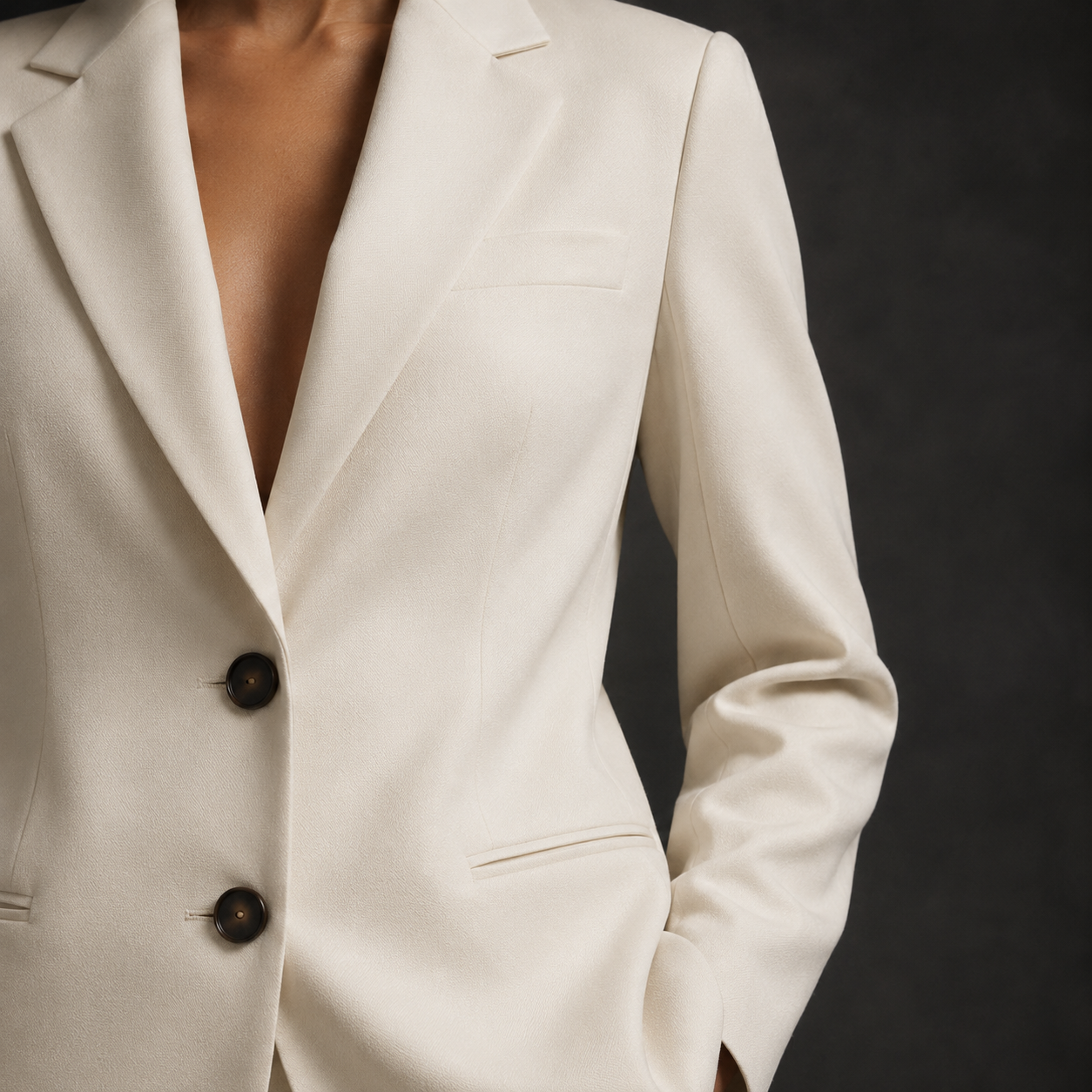
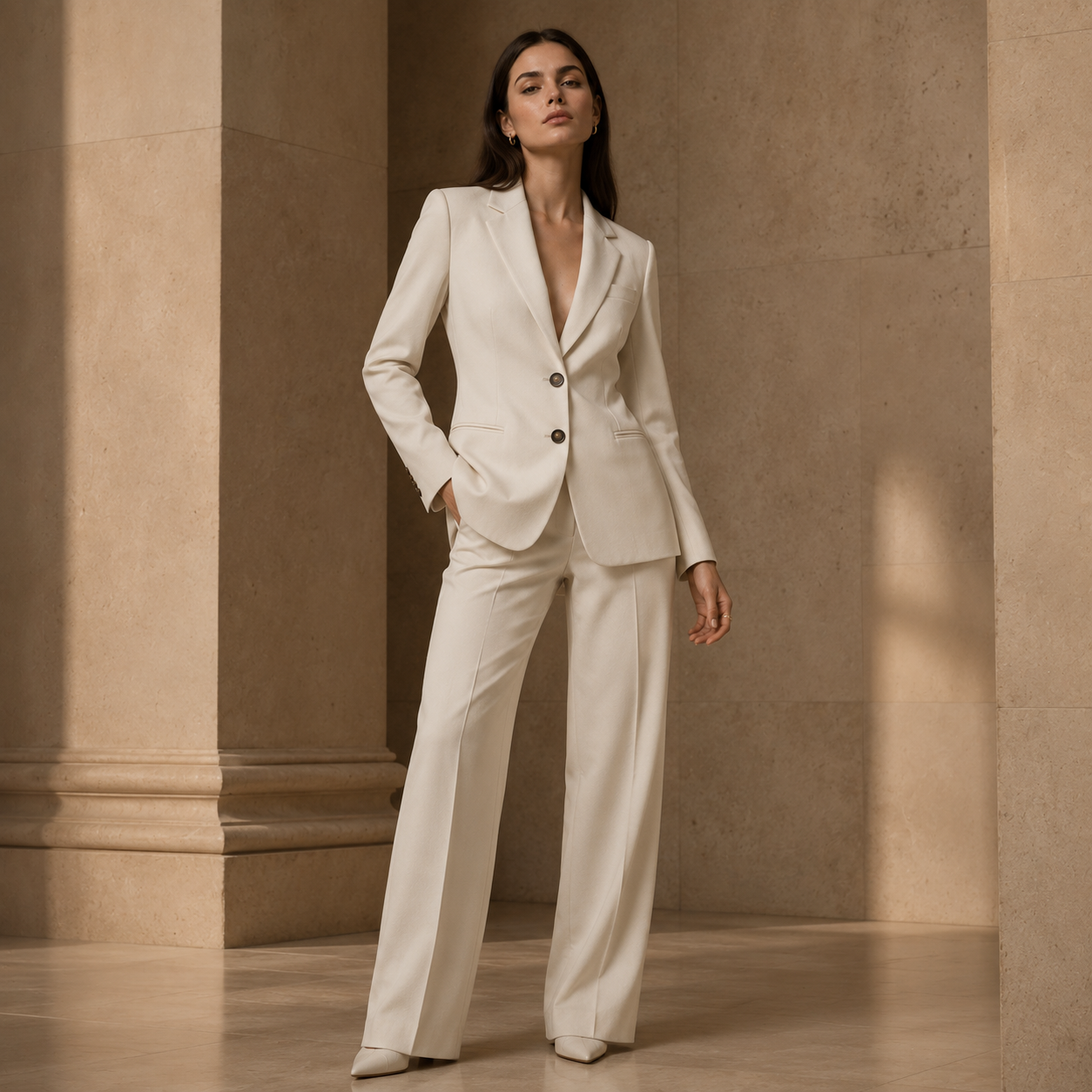
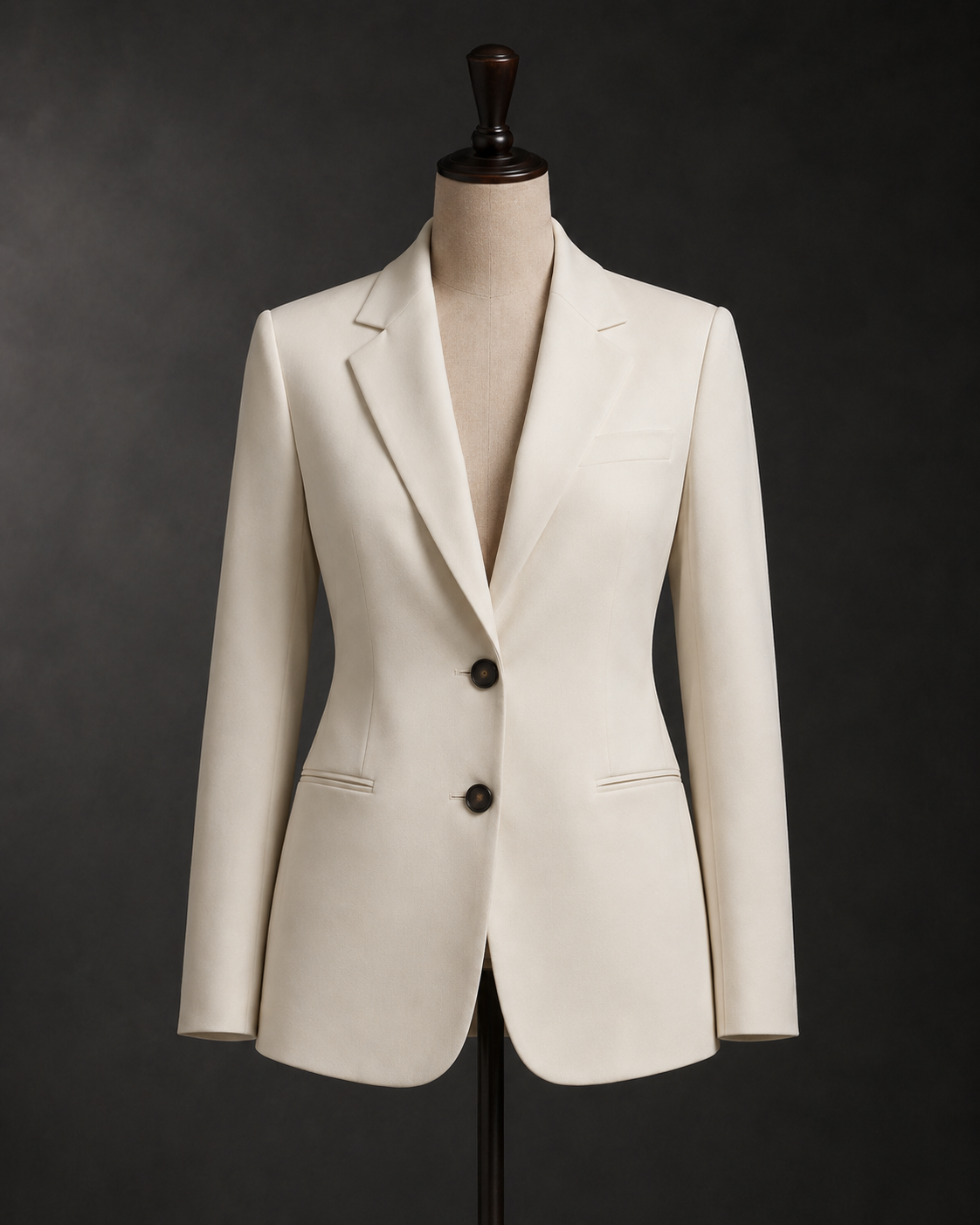
Vision
A More Agile Approach to Fashion Visual Production
Studio productions bring together planning, model and location coordination, shooting, retouching and approval. FashionRetail.AI offers a fast and scalable production alternative that complements this workflow.
Traditional Studio
3–10 BUSINESS DAYS
Plan → Shoot → Retouch → Approve
FashionRetail.AI
<5 MIN
Upload → Select → Download
"AI studio systems are completely reshaping the production economics of fashion photography."— Business of Fashion, 2025
Production Modes
3 Professional Modes, Infinite Possibilities
Every brand speaks a different aesthetic language. FashionRetail.AI's three modes respond precisely to your team's needs.
01
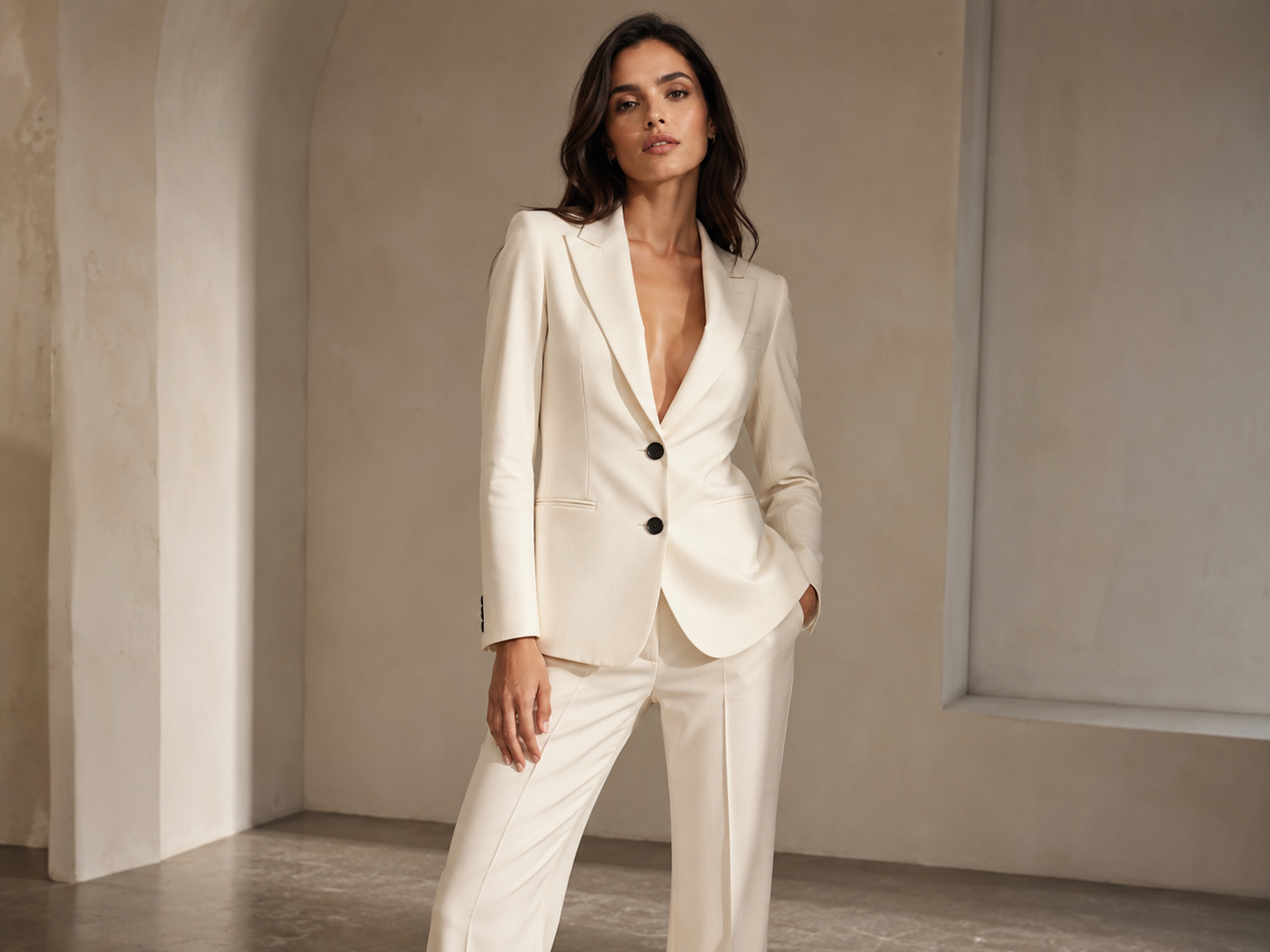
Realistic Human Model
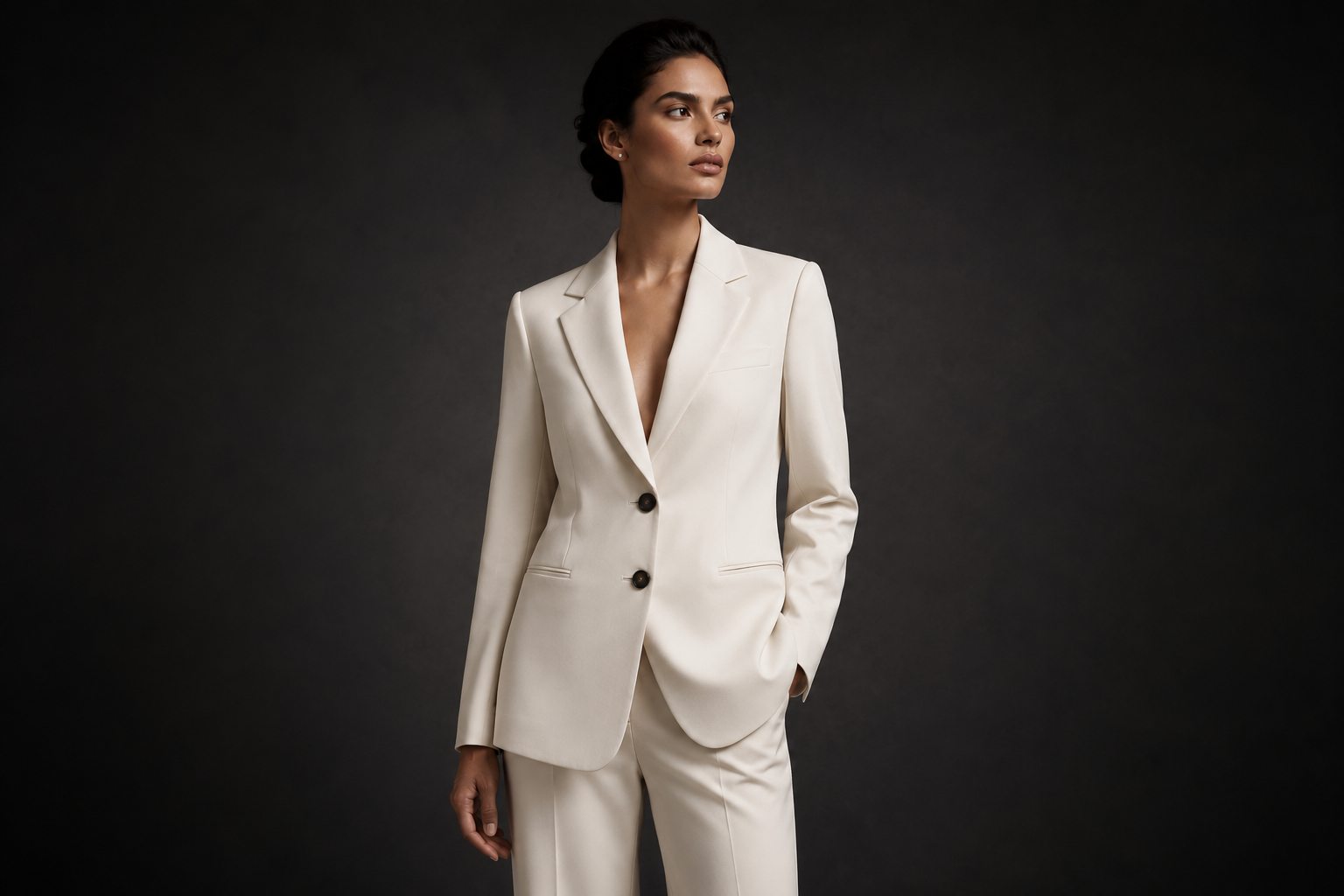
Showcase your products most realistically with 50+ ethnic origins, age and body type options. The right model for every season and brand identity.
02
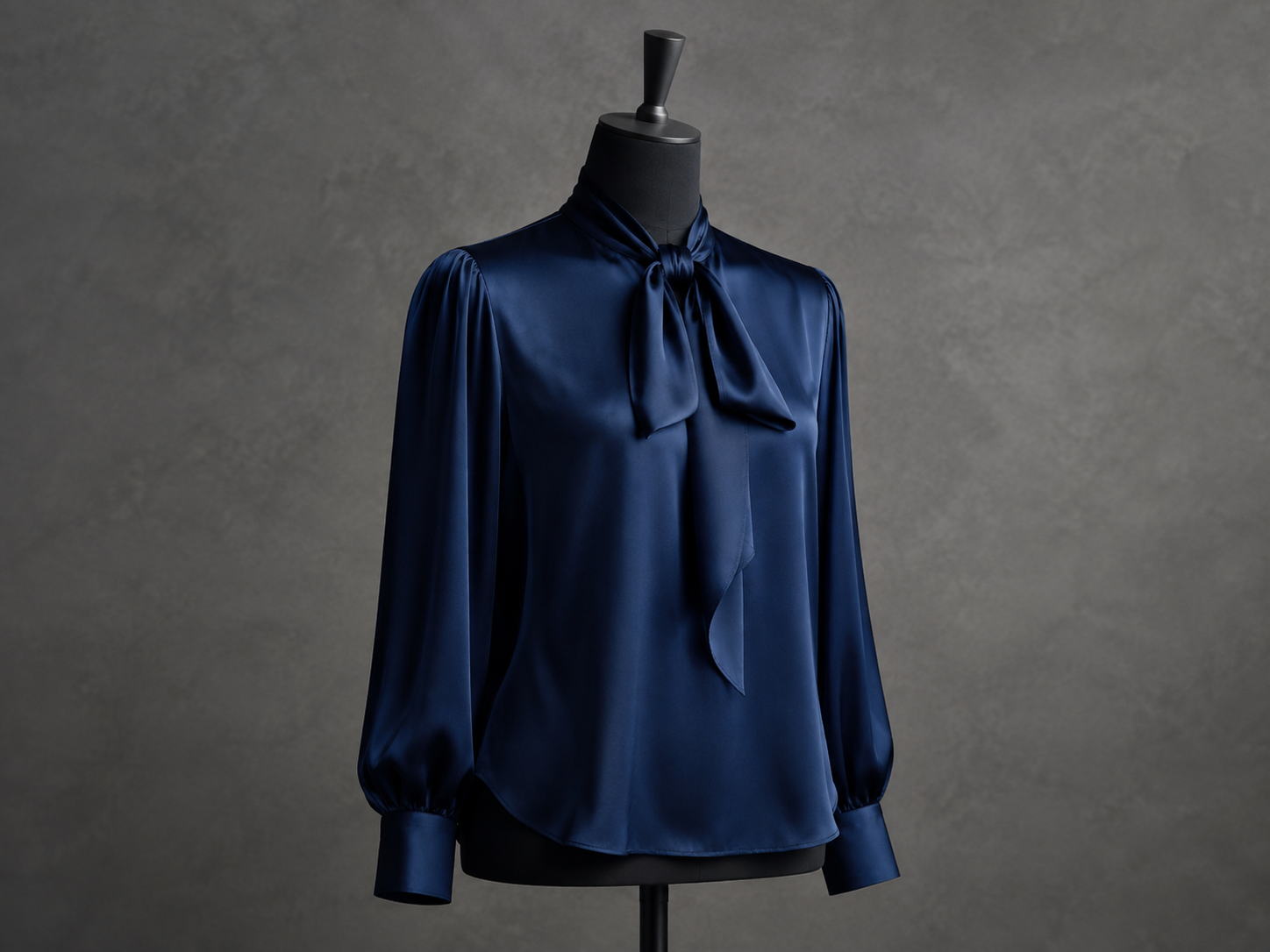
Faceless Mannequin
Without a face, attention focuses entirely on the fabric. Standard, clean, consistent product page visuals for Trendyol and Amazon.
03
Ghost Mannequin
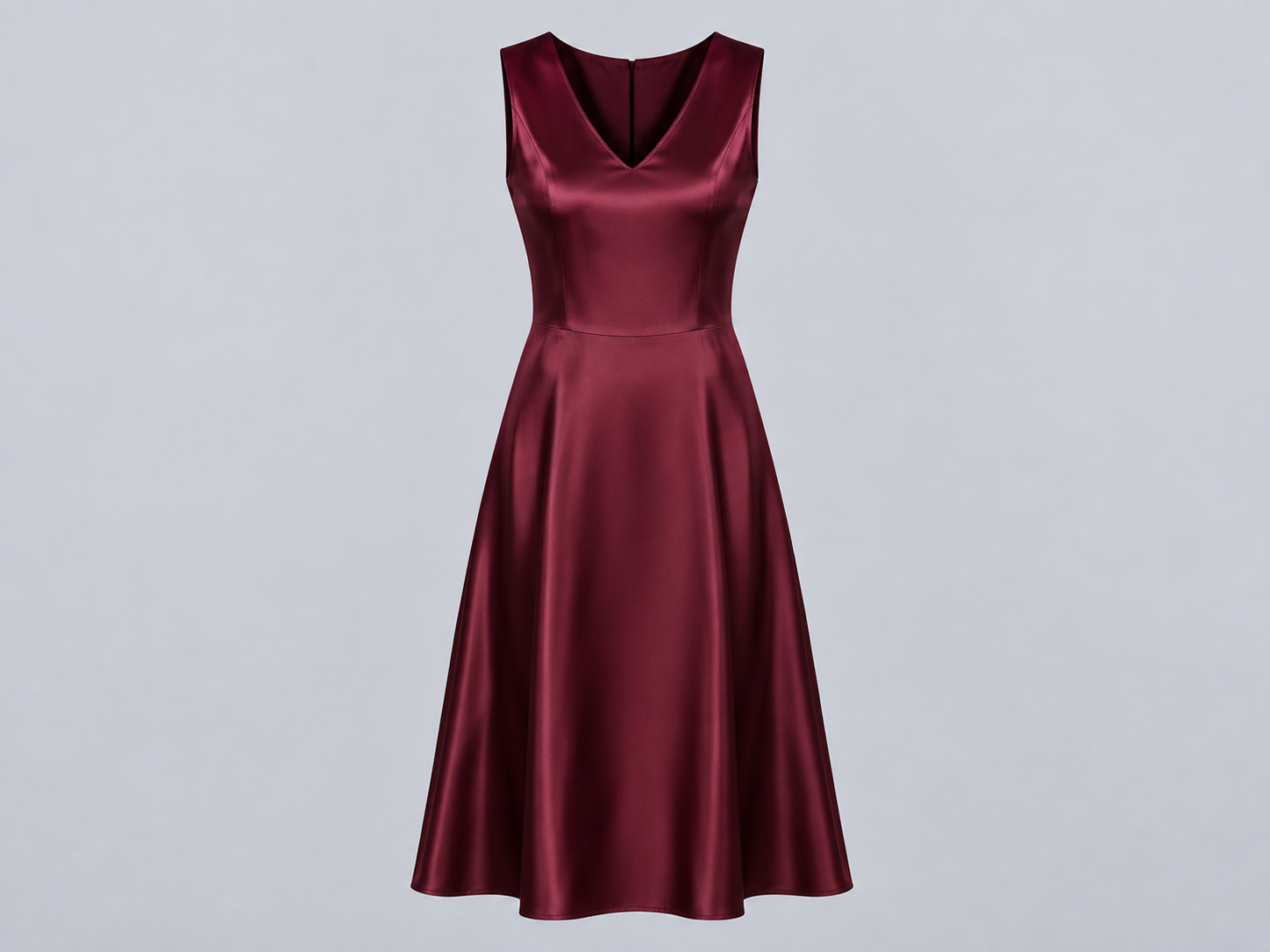
Full cutout output where the garment's interior is visible. Zero background, maximum visual impact. The most preferred premium presentation format.
Process
6 Steps to Perfect Production
1
Model Selection
Define ethnic origin, age, height and body type.
2
Image Upload
Only a single product photo is required.
3
Smart Crop
AI automatically detects and masks fabric boundaries.
4
Light & Environment
Studio lighting, background and shadow settings.
5
AI Render
The engine runs; realistic output is generated in seconds.
6
Multi-Export
Download in all marketplace formats with one click.
Platform Features
Every Detail Considered
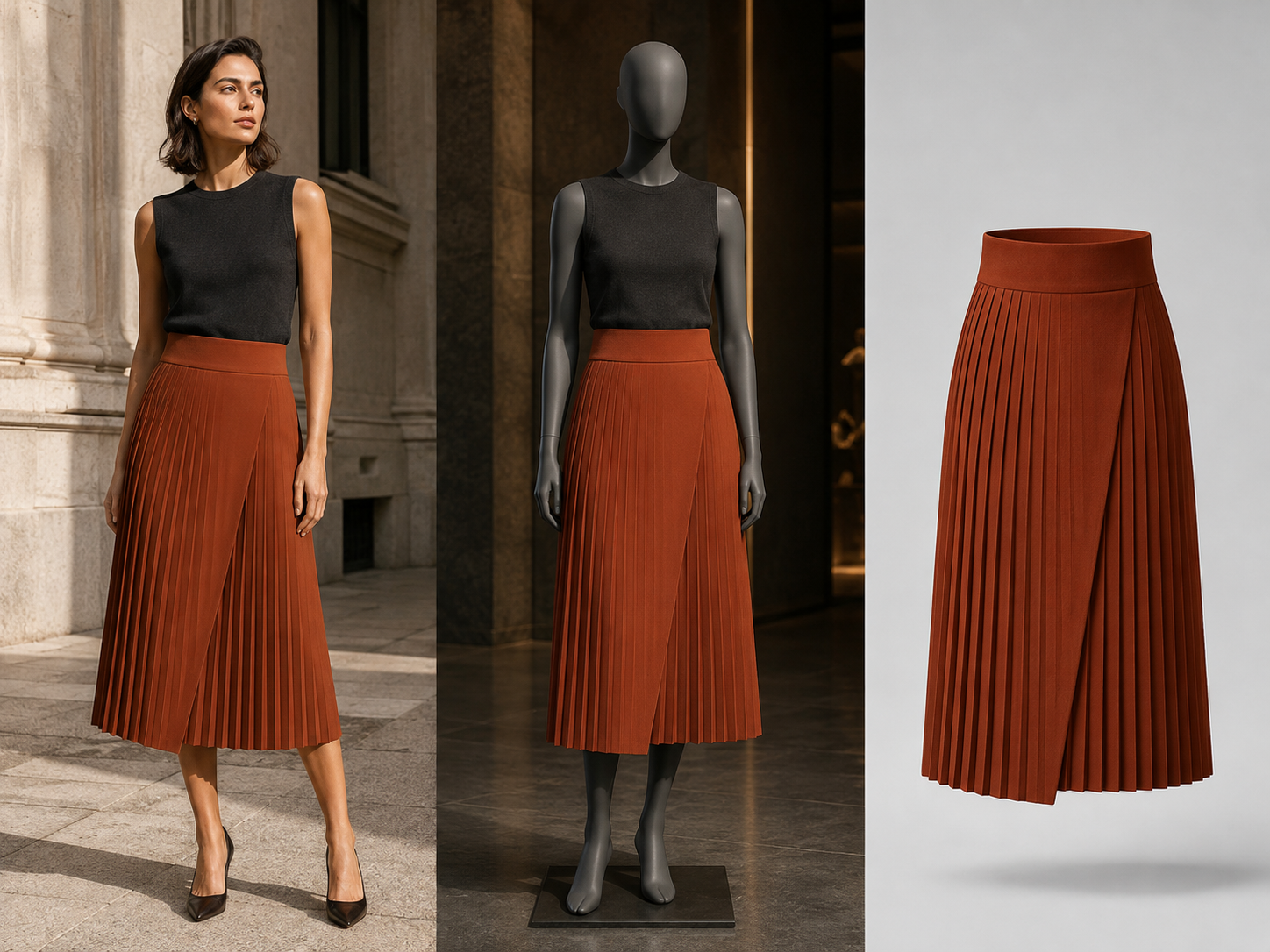
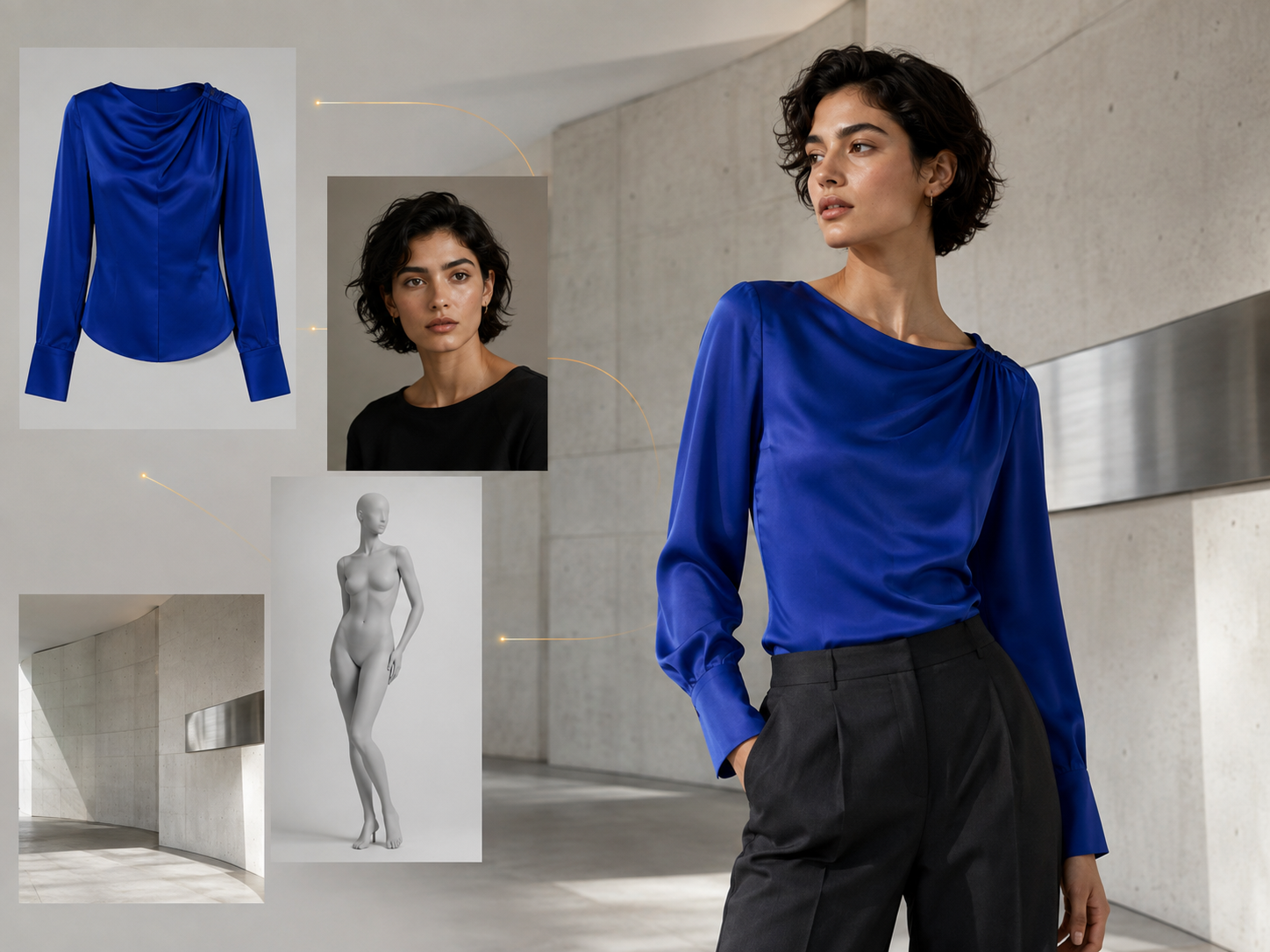
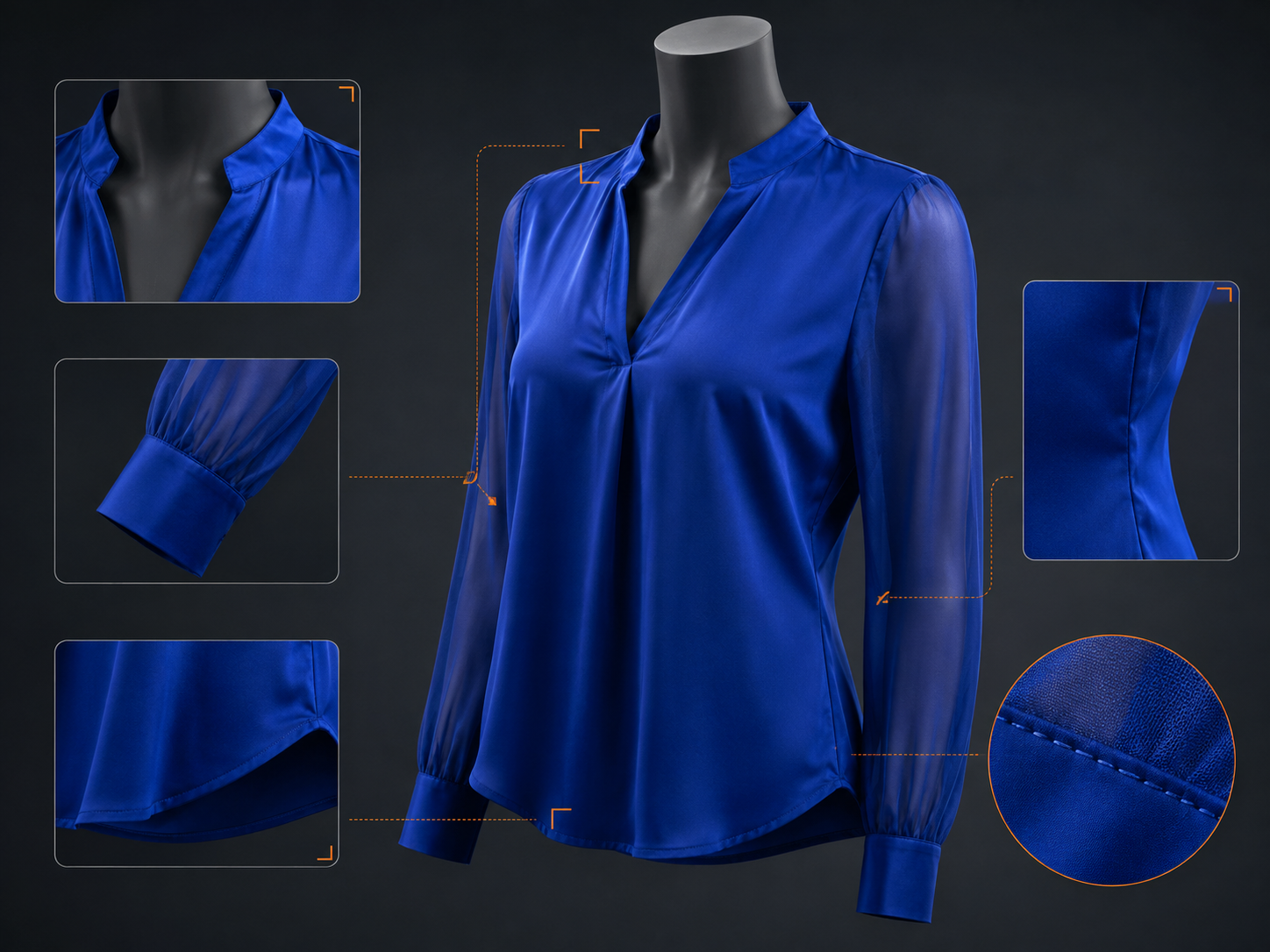
Create human-model, faceless-mannequin or product-only cutout visuals from a single product source. Present your collection for different sales and communication needs.
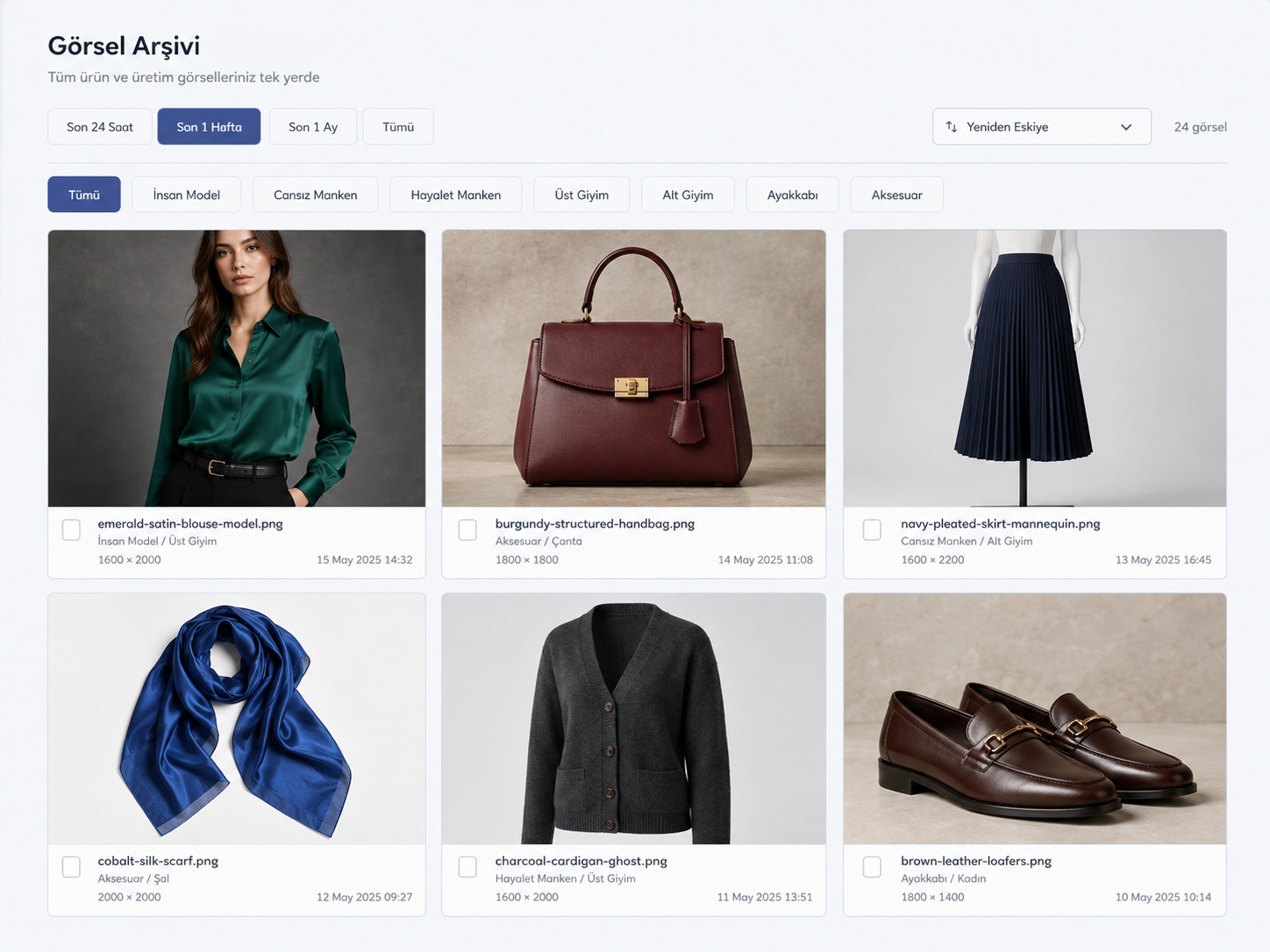
Collection
System Outputs
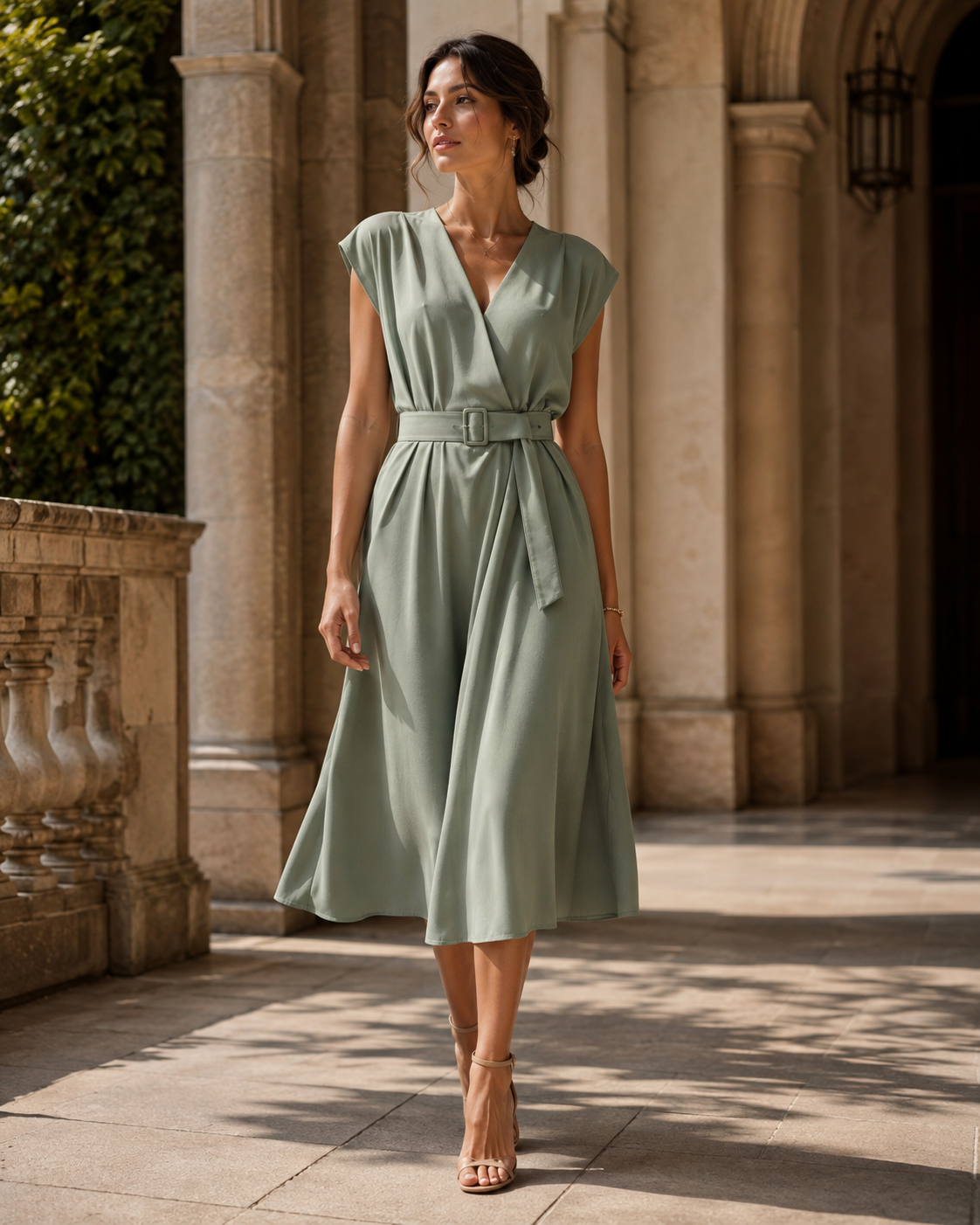
Female Model · Outdoor
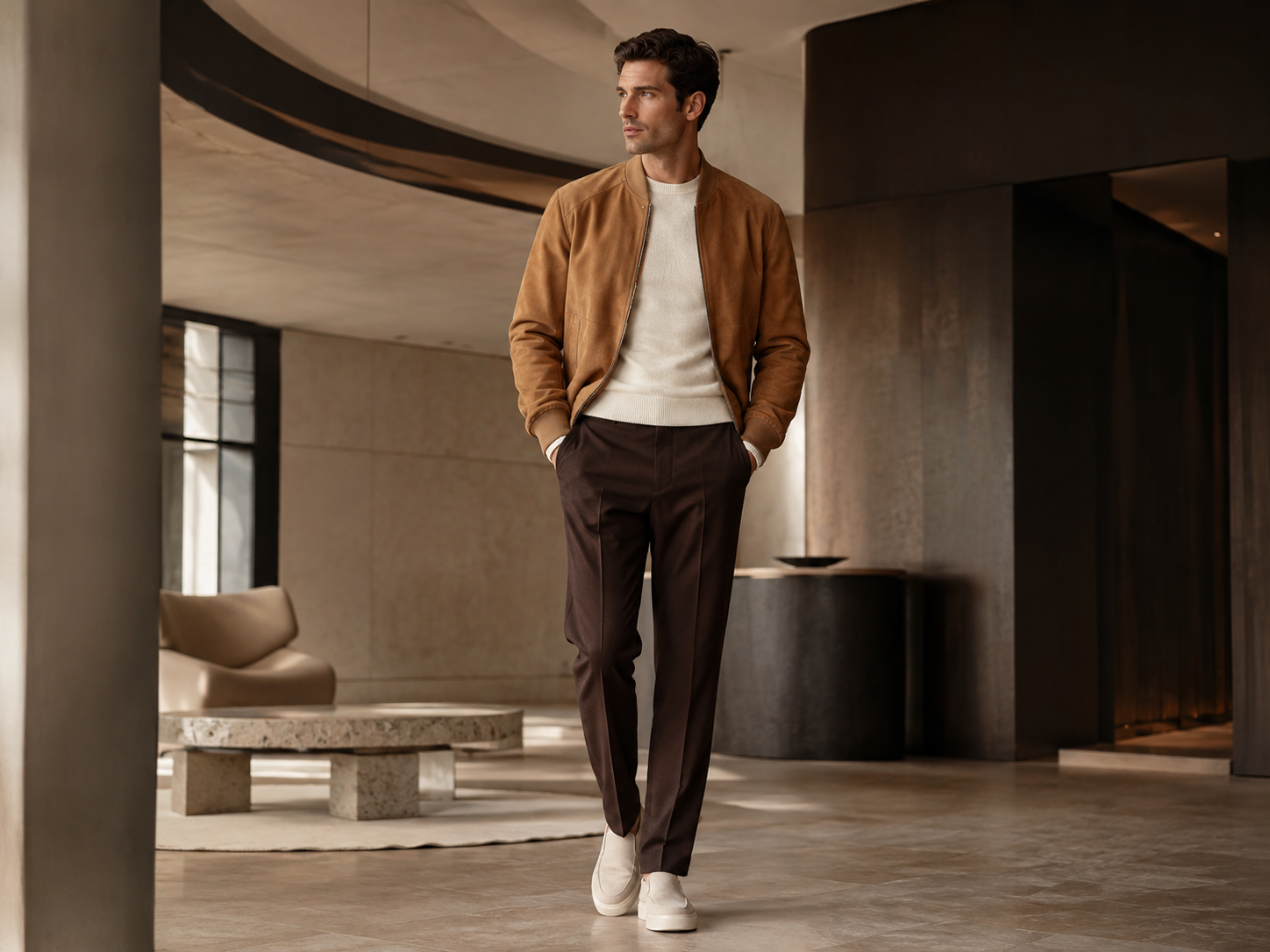
Male Model · Interior
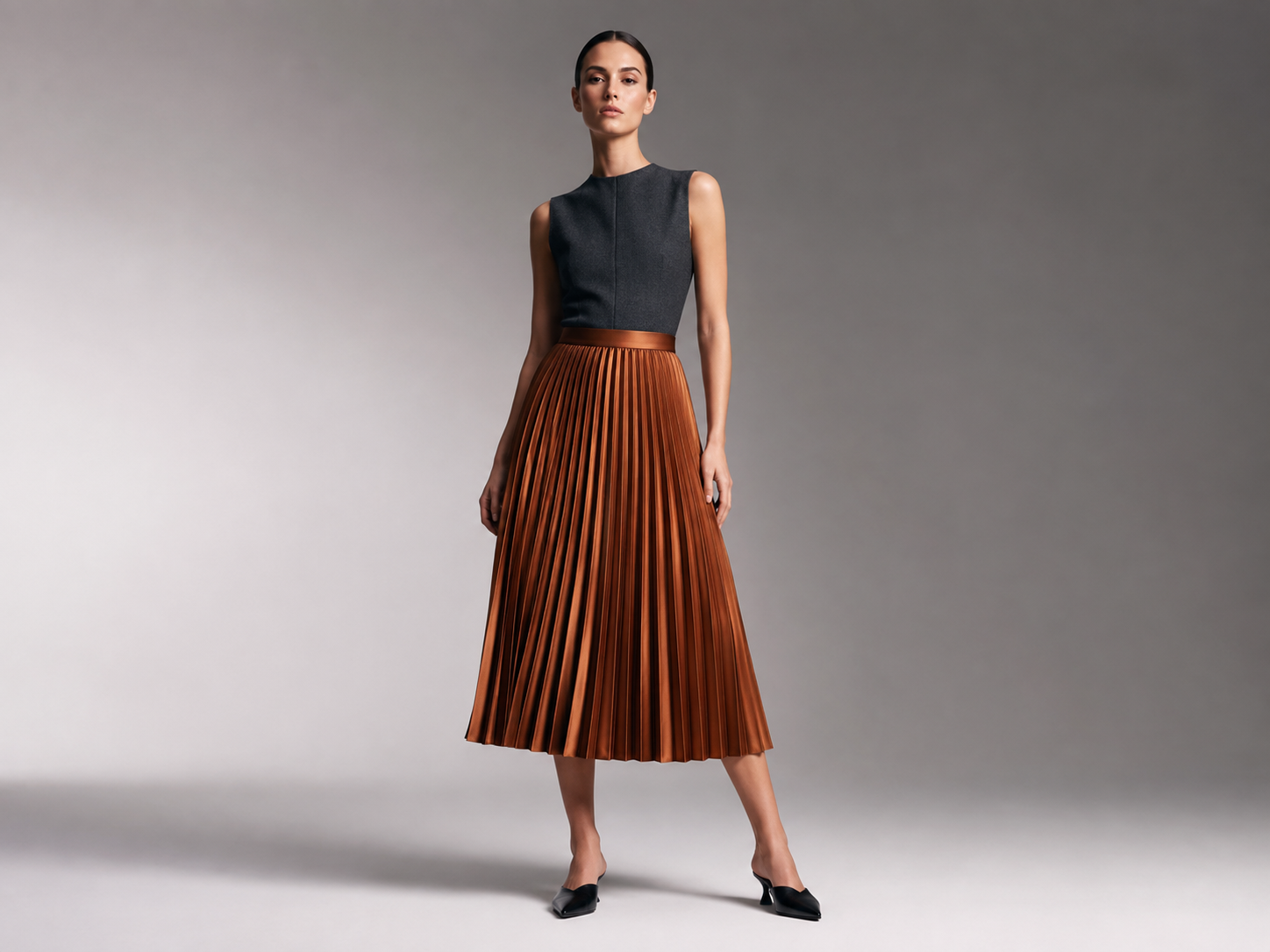
Female Model · Studio
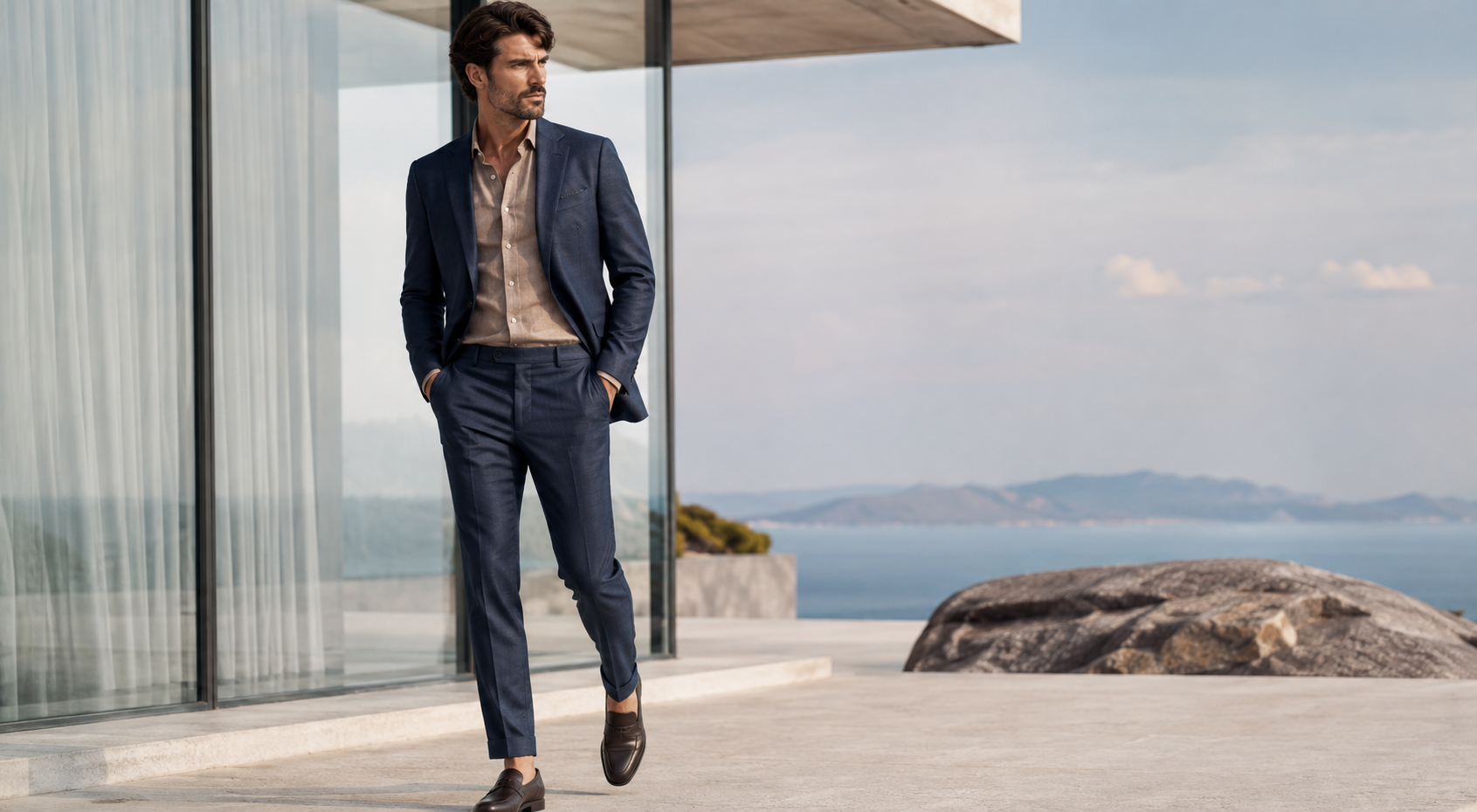
Male Model · Outdoor
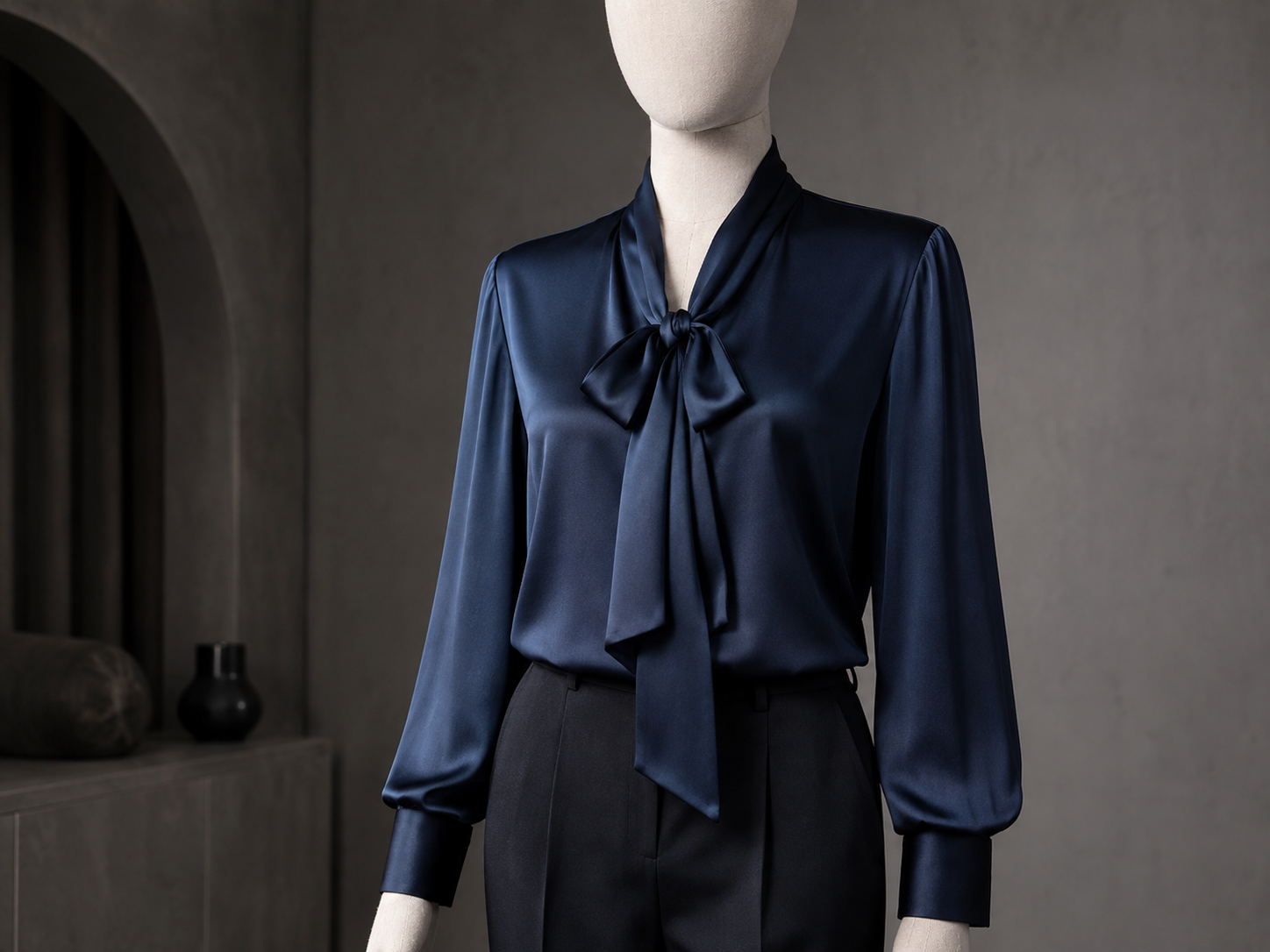
Faceless Mannequin
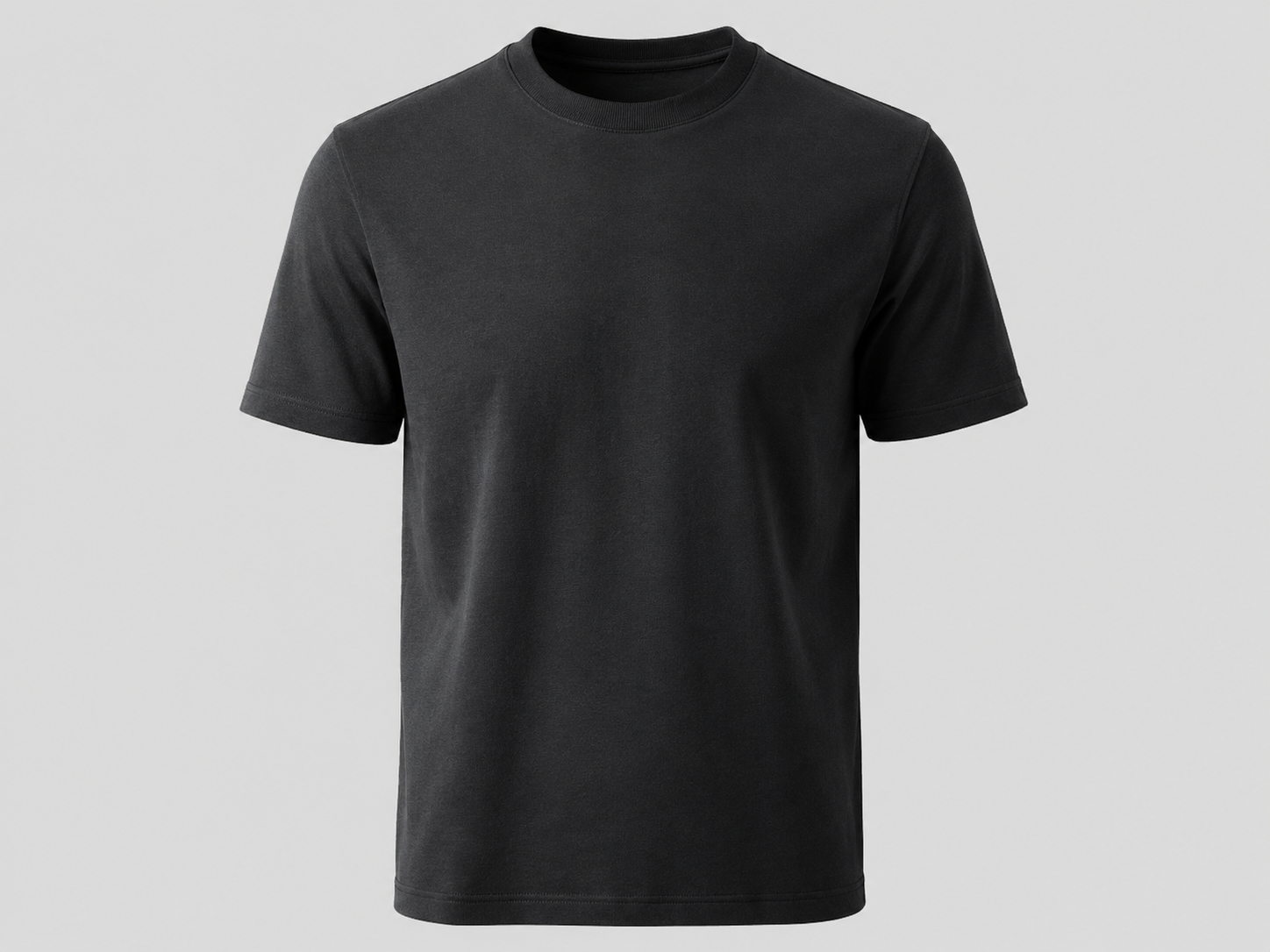
Ghost Mannequin · T-Shirt
Marketplace Integration
One Production, All Channels
Every marketplace has its own pixel rules. Size, background, margins — FashionRetail.AI already knows them all and automatically prepares for you.
Trendyol
3:4 · White Background · 2048px min
Hepsiburada
3:4 · White Background · 1500px min
Amazon
1:1 · Pure White · 2000px min
Instagram Feed
4:5 · Flexible Background · 1080px
Who It's For
Fashion Teams of Every Scale
E-Commerce
Marketplace Sellers
Visualize thousands of SKUs in seconds, reduce your inventory listing time by 90%.
Boutique
Boutique Brands
Produce global brand-aesthetic campaign visuals without large-budget shoots.
Studio
Studios
Offer your clients unlimited model alternatives at AI speed, boosting operational efficiency.
Designer
Designers
Instantly dress your prototypes on digital mannequins and run visual tests before collections.
Agency
Ad Agencies
Generate content in endless location and lighting combinations for social media campaigns.
Global
Global Platforms
Maximize conversion rates in different markets with localized mannequin models.
Pricing
Grow on Your Terms
Starter
7,500 TRY
+ VAT
Scale
50,400 TRY
+ VAT
Enterprise
Custom quote
- 2K product capacity is calculated using 4 poses per product and 3 credits per pose. Actual credit usage varies according to the selected resolution and number of poses.
- Packages are one-time prepaid credit packages; there is no subscription or automatic renewal. Payment is collected by bank transfer, and your credits are added to your account after the payment is confirmed. All prices exclude VAT.
FAQ
Frequently Asked Questions
FashionRetail.AI is entirely cloud-based and works in the browser. You don't need to install any software or own a powerful device. Just an internet connection.
Yes. Studio and Enterprise plan users can upload custom mannequin profiles, brand-specific studio environments and pose libraries for fully personalized renders.
Only the final high-resolution images you approve and download consume credits. Failed or disliked trial renders are not deducted from your balance.
You hold full and unlimited copyright and commercial use rights to all outputs. Use them freely in any medium, from marketplaces to print.
Since our AI mannequins use synthetic models rather than images of real people, the risk of personal data violation is zero. The infrastructure is KVKK and GDPR compliant.
After registration, 50 free credits are automatically assigned, letting you test the full quality of the platform across all modes.
4K ultra-high resolution is supported on Growth and Studio plans. This quality comfortably supports all marketplace zoom and magnification features.
Yes, you can cancel anytime with no commitment. You may request a refund for unused credits within legal refund periods.